
Most people don’t lose photos because they don’t care, but because their system is messy.
A simple habit can protect years of memories without turning into a tech project.
This guide shows a realistic approach to saving, organising, and backing up digital pictures.
Photos are strange: they feel permanent until they vanish. A phone upgrade goes wrong, a laptop dies, a drive gets knocked off a desk, and suddenly a decade is missing. The pain isn’t only the loss of images; it’s the loss of proof that a life happened.
You don’t need an elaborate system to protect your memories. You need a simple habit that is easy to repeat. The best backup plan is the one you will actually do.
Start with one truth: storage is not a strategy
Having photos scattered across phones, texts, social media, and random hard drives is not a plan. It’s a vulnerability. A plan means you know where your “main library” lives and how it gets copied.
If you want a clear overview of practical approaches, The best way to save digital pictures is a strong reference point that supports the simple approach in this article.
Pick a “primary home” for your photos
Your primary home is the place you treat as the master library. It could be a computer with a well-managed photo app, or a dedicated external drive that you plug in regularly. The key is that you pick one.
When you have a primary home, you stop wondering where the “real” photos are. That reduces duplicate chaos and makes backups straightforward.
Use the three-copy rule without getting fancy
A practical rule is: one primary library, one cloud copy, one offline copy. The cloud copy protects against local accidents. The offline copy protects against account problems and ransomware. You don’t have to obsess over brands to make this work.
- Primary: your main photo library on a computer or dedicated drive.
- Cloud: an automatic sync from your phone or library.
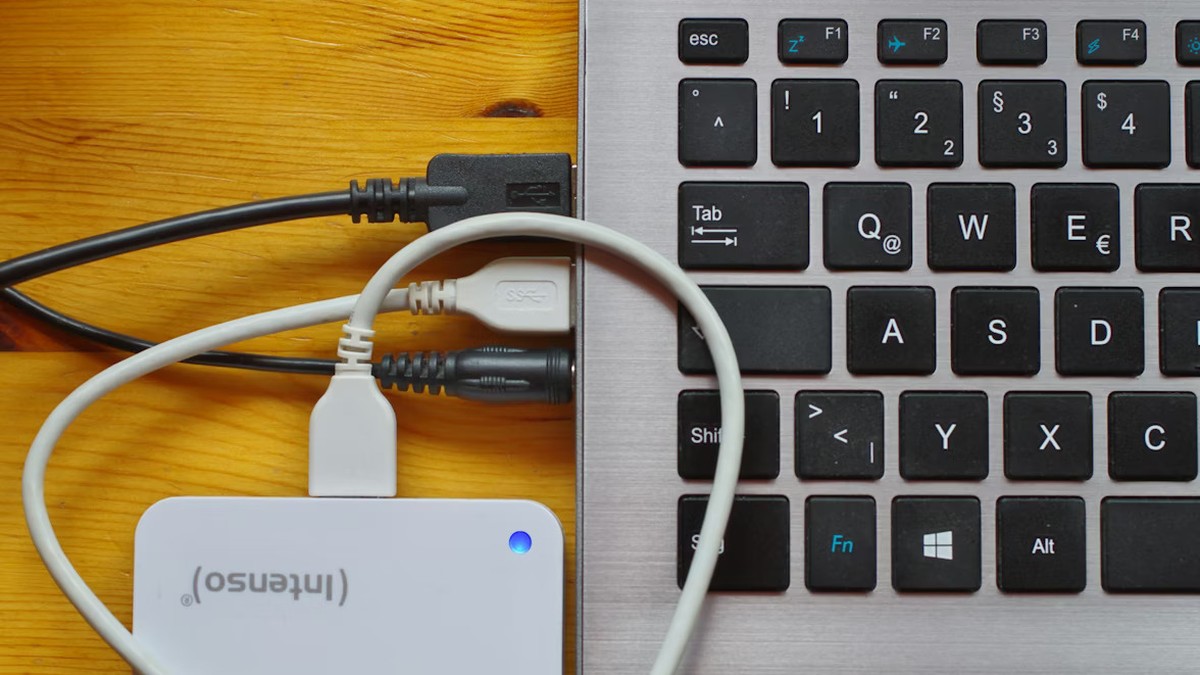
- Offline: a second external drive stored separately.
Set a calendar reminder for the offline copy. Monthly is better than never. Quarterly is still meaningful if monthly feels like too much.
Organise lightly, not perfectly
People avoid backups because they think they must organise first. Don’t wait. Back up the mess. Then organise gently over time.
Use a simple folder rule like Year → Month → Event. Or use a photo app that groups by date. Your goal is to be able to find things later, not to create a museum archive.
Pay attention to how your brain remembers
Some people remember by year. Some remember by location. Some remember by people. Your system should match your memory style. That’s where the idea of “the camera brain” becomes useful: your mind stores visuals differently than text.
The camera brain and visualization is a thoughtful lens on how we see and remember, and it can help you build an organisation style that feels natural rather than forced.
Do a five-minute weekly habit
Here is a small habit that keeps you safe without stealing your time:
Once a week: plug in your primary storage, import new photos, and confirm the cloud sync completed. That’s it.
Weekly is ideal because phones fill up and people take more photos than they realise. If weekly feels too often, do it every two weeks. Consistency beats intensity.
Don’t forget old media and family history
Many people have older digital cameras, discs, and legacy folders from past computers. These are often the most fragile because they’re already “out of sight”. Gather them into your primary library over time.
It helps to understand how quickly formats and storage change. Camera history and a light concept is a reminder that photography has always evolved, and our saving habits need to evolve with it.
A quick integrity check that prevents heartbreak
A backup you never test is a hope, not a plan. Once in a while, open a few folders on your offline drive. Check that the files open. Check that the dates look right. This takes minutes and can prevent a nasty surprise.
Make it easy for your future self
Label your drives. Write down the plan in one paragraph and store it in a note. If you have family members, tell them where the photos live. Memories are part of a shared life, and systems work better when they aren’t a secret.
Your photos deserve a system that is boring and dependable. The goal is to stop thinking about backups because the habit is doing the work for you. Set up the three-copy structure, keep your primary home clear, and let the weeks quietly protect your years.